Capture. Read. Write. Cite.
Uoink turns raw sources into a local corpus your AI can use. One source card travels from capture to library to Writing Studio to your agent.
Capture - Library - Workspace - Iterate - Distribute
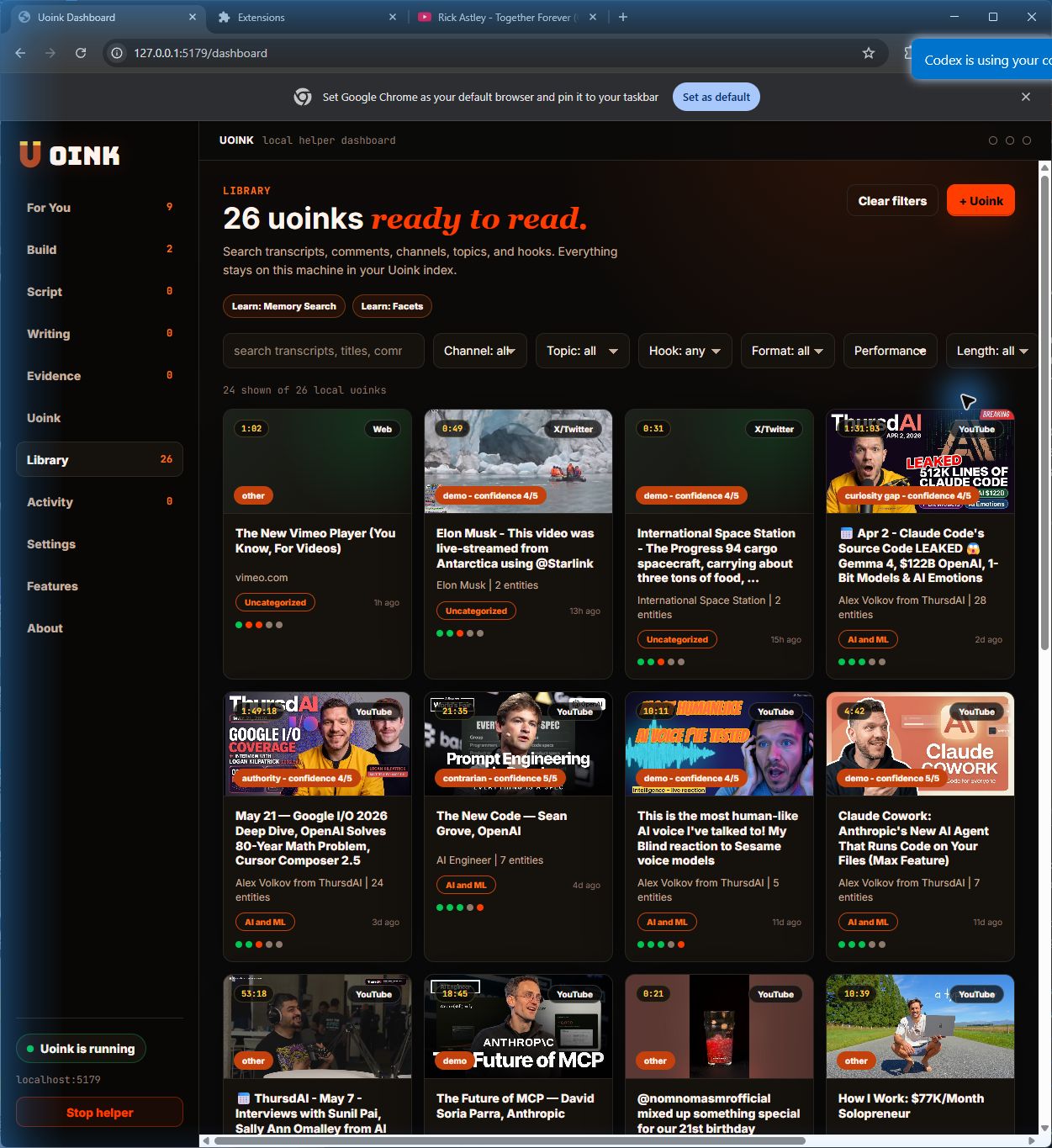
From source to output, without losing the receipts.
The browser path and the agent path share one spine: save the source, keep it on disk, write from it with citations.
- 01
Capture
Click the Uoink button, right-click a source, or queue a feed. The helper extracts transcripts, screenshots, comments, and metadata while you keep working.
- 02
Library
Every source lands as markdown on disk and gets indexed in local SQLite search. Your corpus keeps titles, creators, timestamps, and source links intact.
- 03
Workspace
Group source cards around a topic, channel, claim, or launch thread. The same card can open in Claude, feed a draft, or expose an MCP call.
- 04
Iterate
Writing Studio pulls from the corpus, shows canned-phrase warnings, keeps creator credit visible, and lets you revise from evidence instead of memory.
- 05
Distribute
Copy the draft, open it in X, cite the creator, or let an agent pull the same source through Uoink's local MCP tools.
One source card serves creators and developers.
Creators click Study hooks, Write thread, or Pull evidence. Developers copy the MCP call, open the corpus file, or hand it to Cursor. Same source, different next move.
Paste it yourself, or let your agent pull it.
Uoink this video, paste the corpus into Claude or ChatGPT, and ask for a hook breakdown.
The answer cites transcript moments, screenshots, and audience comments from the saved source.
uoink_video(url)
get_job_status(job_id)
get_uoink_corpus(corpus_id)
classify_hook(corpus_id)
agent drafts from the cited corpus
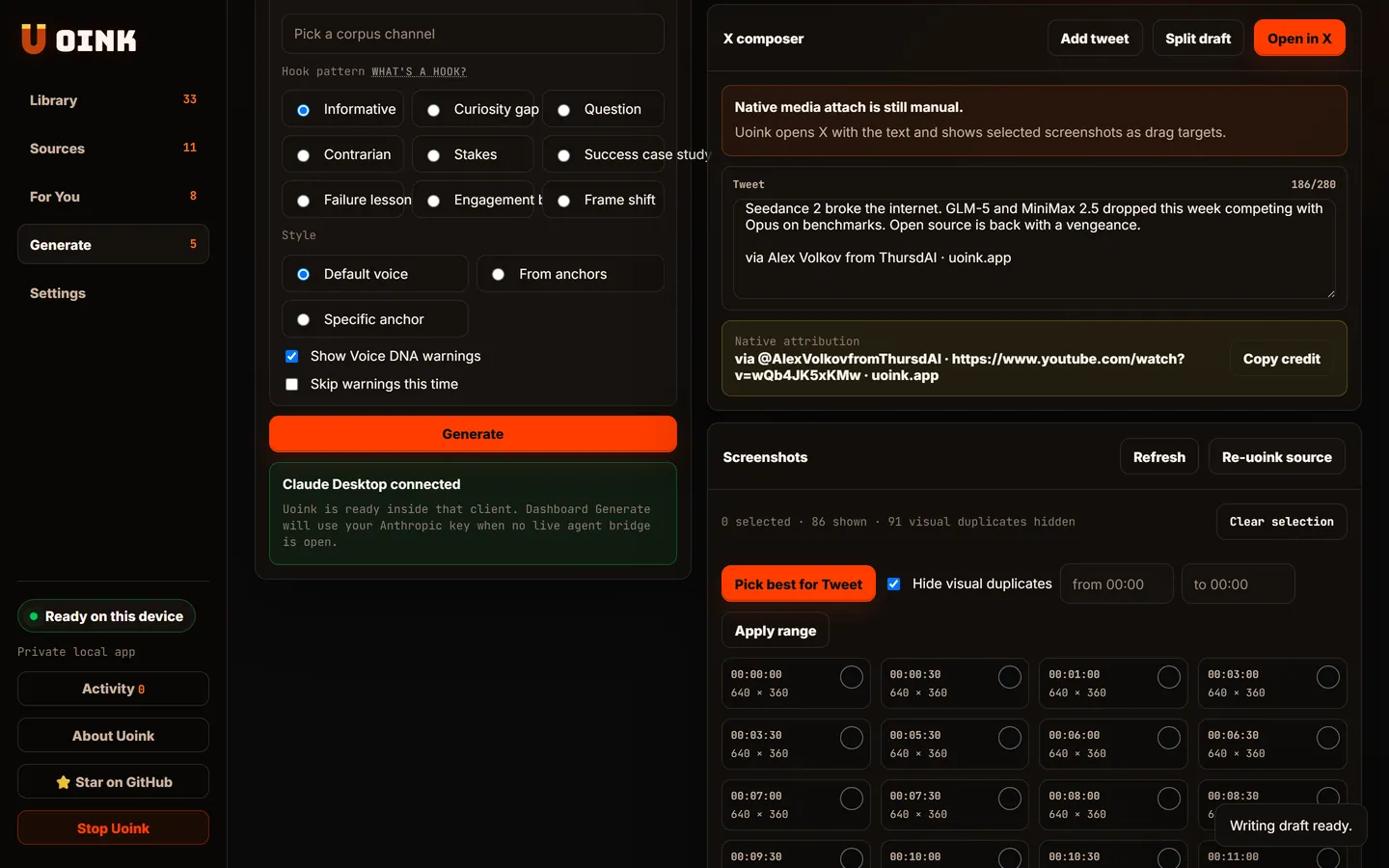
Search and cite your sources
Why paste a transcript when you can feed the entire corpus?
Transcript-only tools flatten video into text. Uoink keeps the parts that make video useful: the words, the frames, the audience reaction, the channel context, and the source metadata.
- 01
Capture the source.
Transcript with timestamps, screenshots, description, title, thumbnail, channel context, and comments in one markdown file.
See the workflow -> - 02
Keep the asset.
Every capture writes to disk and into a local SQLite index. Search it later, cite it later, move it into your own vault.
Browse features -> - 03
Hand it to AI.
Paste transcript and frames into Claude or ChatGPT, or let an MCP agent search and cite your library.
Open developer docs ->