Capture
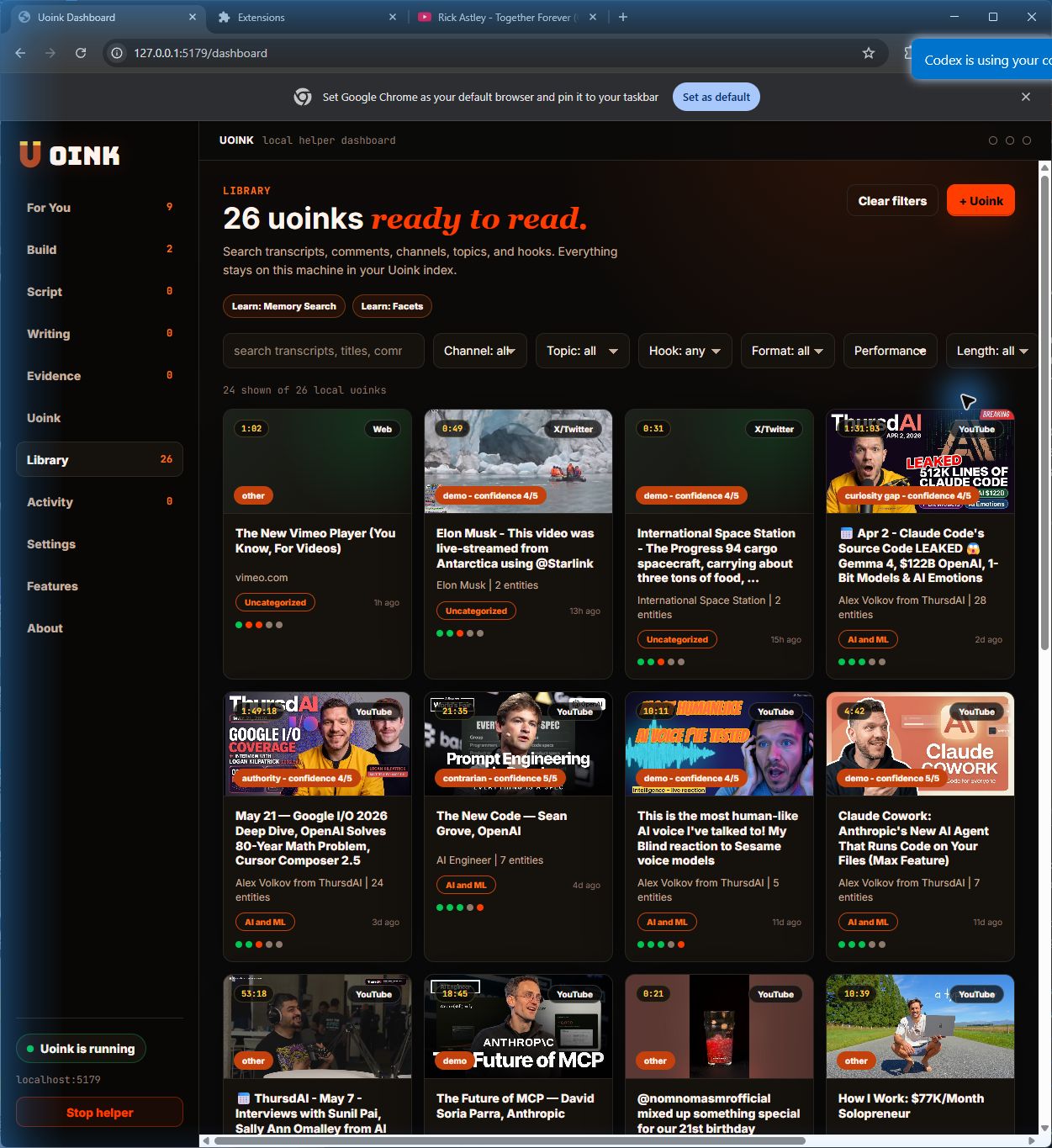
Click the Uoink button, right-click a source, or queue a feed. The helper extracts transcripts, screenshots, comments, and metadata while you keep working.
Uoink turns raw sources into a local corpus your AI can use. One source card travels from capture to library to Writing Studio to your agent.
Capture - Library - Workspace - Iterate - Distribute
The browser path and the agent path share one spine: save the source, keep it on disk, write from it with citations.
Click the Uoink button, right-click a source, or queue a feed. The helper extracts transcripts, screenshots, comments, and metadata while you keep working.
Every source lands as markdown on disk and gets indexed in local SQLite search. Your corpus keeps titles, creators, timestamps, and source links intact.
Group source cards around a topic, channel, claim, or launch thread. The same card can open in Claude, feed a draft, or expose an MCP call.
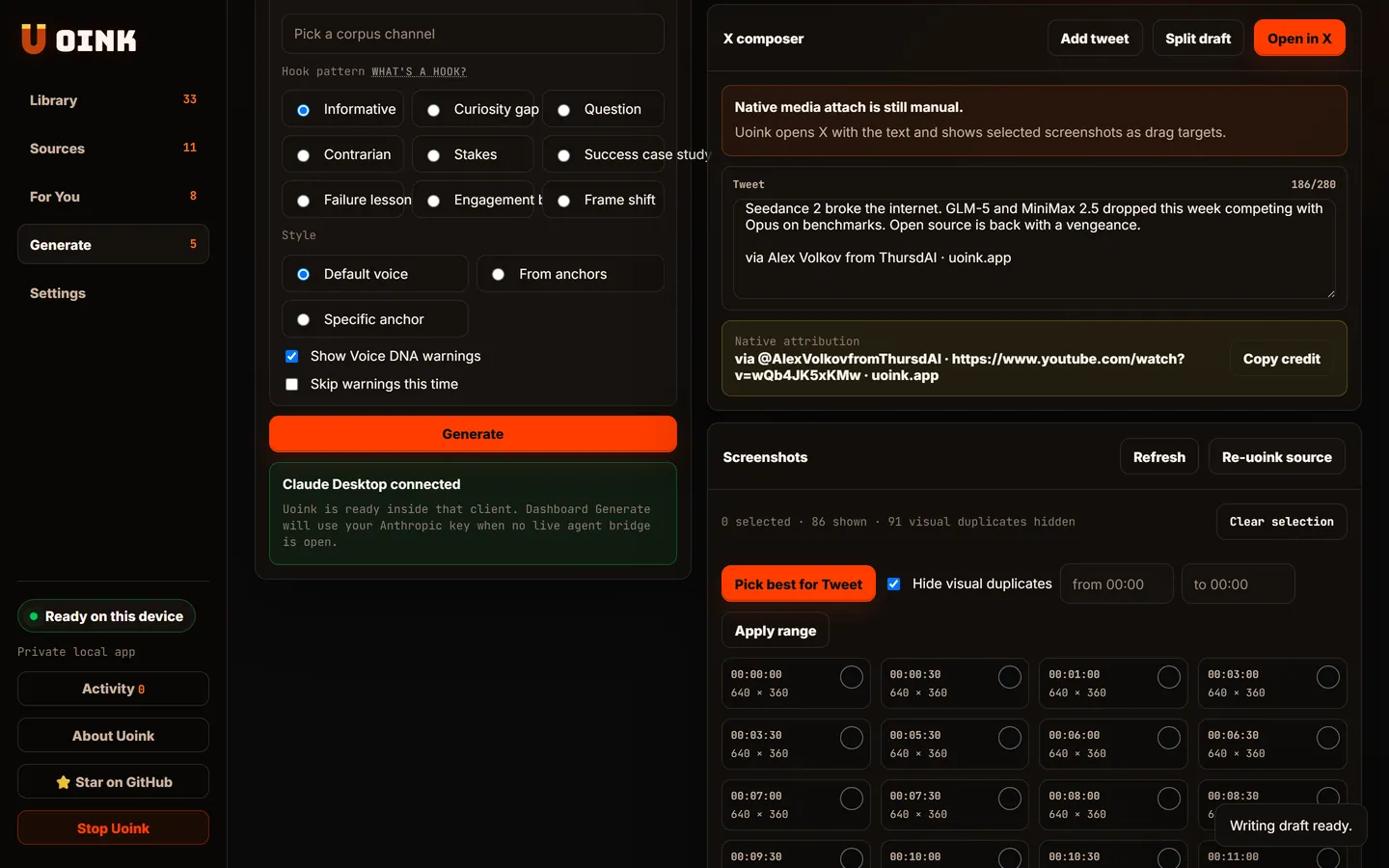
Writing Studio pulls from the corpus, checks Voice DNA, keeps creator credit visible, and lets you revise from evidence instead of memory.
Copy the draft, open it in X, cite the creator, or let an agent pull the same source through Uoink's local MCP tools.
Creators click Study hooks, Write thread, or Pull evidence. Developers copy the MCP call, open the corpus file, or hand it to Cursor. Same source, different next move.
Uoink this video, paste the corpus into Claude or ChatGPT, and ask for a hook breakdown.
The answer cites transcript moments, screenshots, and audience comments from the saved source.
uoink_video(url)
get_job_status(job_id)
get_uoink_corpus(corpus_id)
classify_hook(corpus_id)
agent drafts from the cited corpus