Features / Distribution
shippedModel Context Protocol server
Turn Uoink into a local MCP server to give Claude and Cursor tools for video capture.
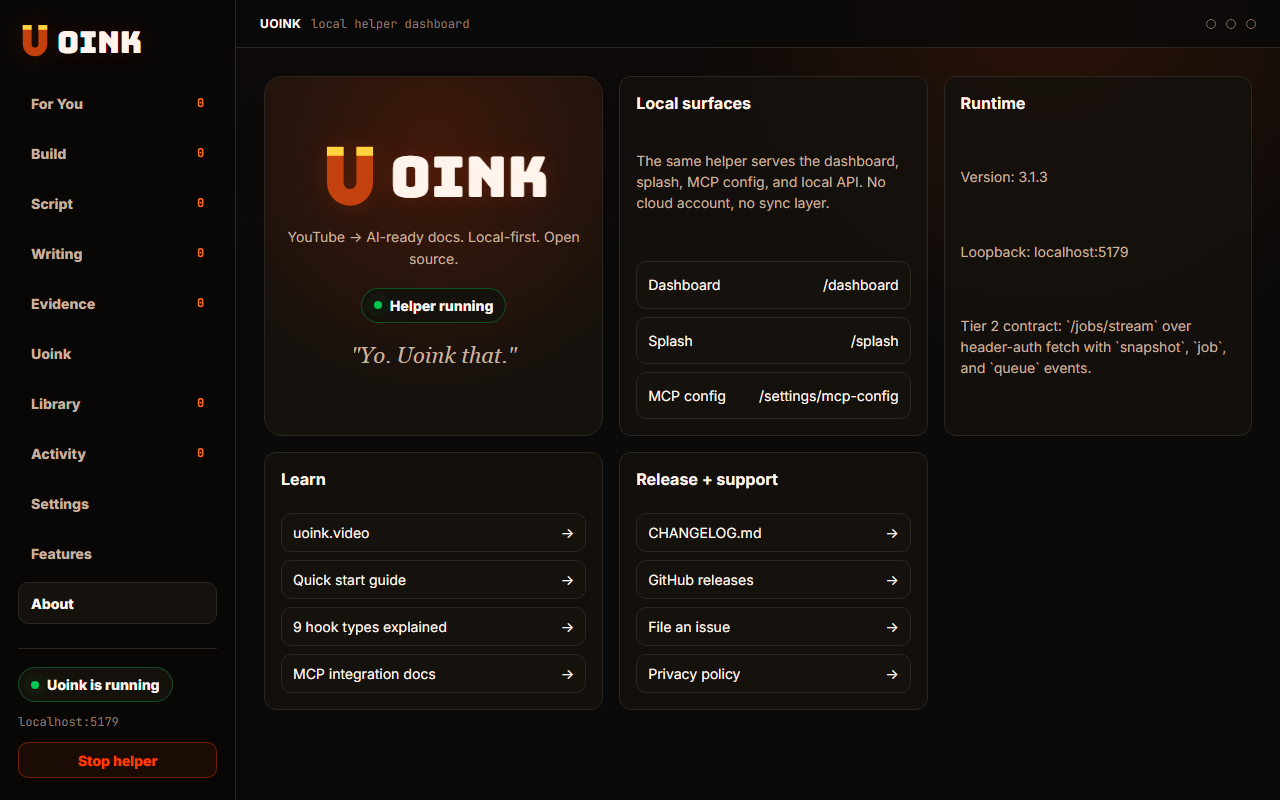
The user-facing part.
Give your AI tools access to video data. The local helper runs an MCP server that exposes the local corpus to your AI clients. Your agent can capture videos, query your library, analyze comments, and pull citations without clipboard steps. The server runs on localhost, keeping your research database private.
Run the loop.
- Install the Uoink helper on your machine.
- Open the setup page to get the command path.
- Add the server to your AI client configuration.
- Start the client and verify the connection.
- Ask the agent to capture a video to test the setup.
How Uoink handles it.
The helper runs a loopback server on port 5179 that implements the Model Context Protocol. It handles stdio transport for client connections. When an agent calls a tool, the helper executes the command, reads the local SQLite database, and returns the response in a structured JSON format, keeping everything on your local machine.
Agent-readable surface.
uoink_videosearch_uoinksget_uoink_corpus{
"name": "uoink_video",
"arguments": {
"url": "https://www.youtube.com/watch?v=dQw4w9WgXcQ"
}
}Full server metadata lives at /mcp and /mcp/manifest.json.
Run it on your next source.
Connect Uoink to your AI clients to enable video and transcript tools.