Features / Identity
shippedLocal-first architecture
Save transcripts, comments, and databases to your local drive for private research.
 shipped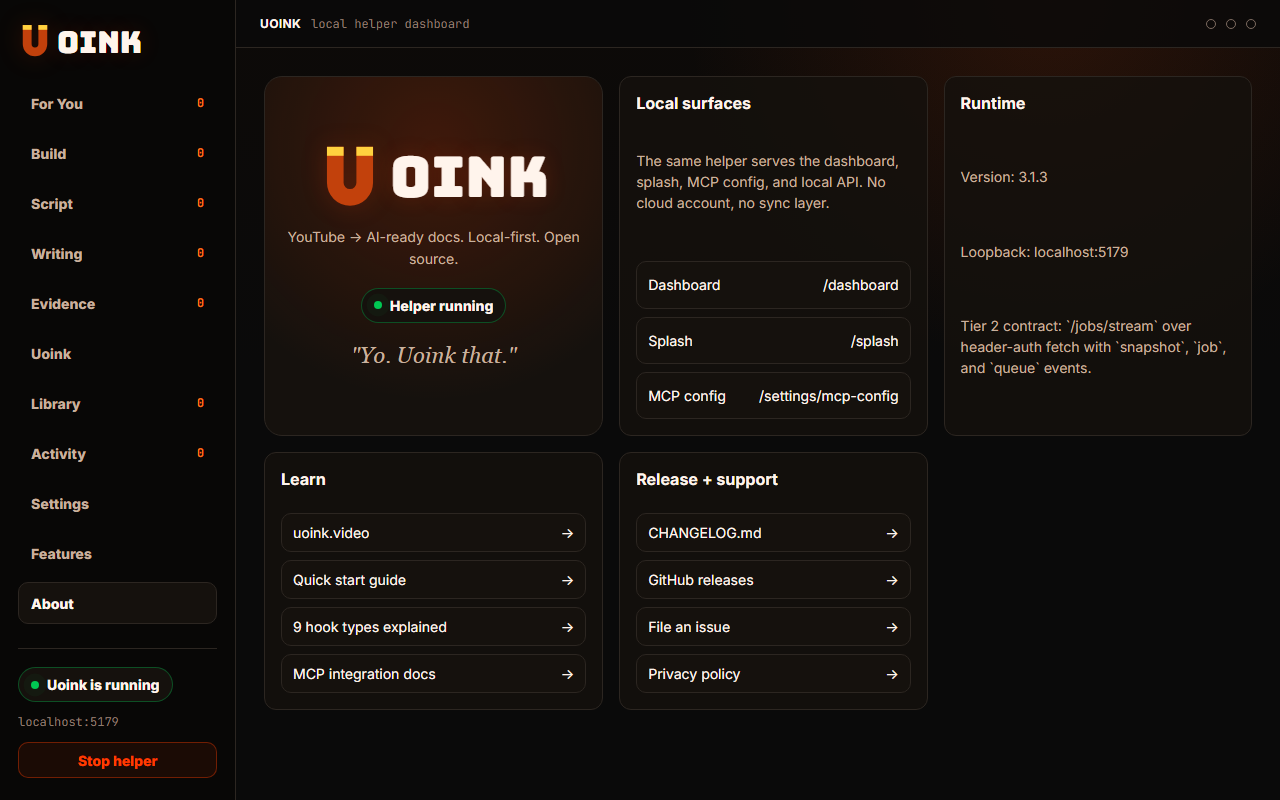
The user-facing part.
Your research belongs on your machine. Uoink uses a local-first architecture where transcripts, databases, and configuration files live on your computer. The helper runs on localhost, and your files write to your local drive. You can browse, edit, and back up your library without depending on external web platforms.
Run the loop.
- Install the desktop helper.
- Open the dashboard and check the library path.
- Open File Explorer to see your corpus folders.
- Open any markdown file in your text editor.
- Backup your library by copying the folder.
How Uoink handles it.
The desktop helper runs an internal server that reads and writes files on your storage drive. It logs transactions in a local SQLite file. The browser extension speaks to this helper via a loopback port. No external tracking scripts, cloud servers, or remote databases are used, maintaining privacy.
Agent-readable surface.
get_uoink_healthsearch_uoinksFull server metadata lives at /mcp and /mcp/manifest.json.
Run it on your next source.
Install the helper and start building a private local library.