Features / Capture
in flightMobile playlist bridge
Save videos to a playlist named "uoink me" and let the desktop helper capture them.
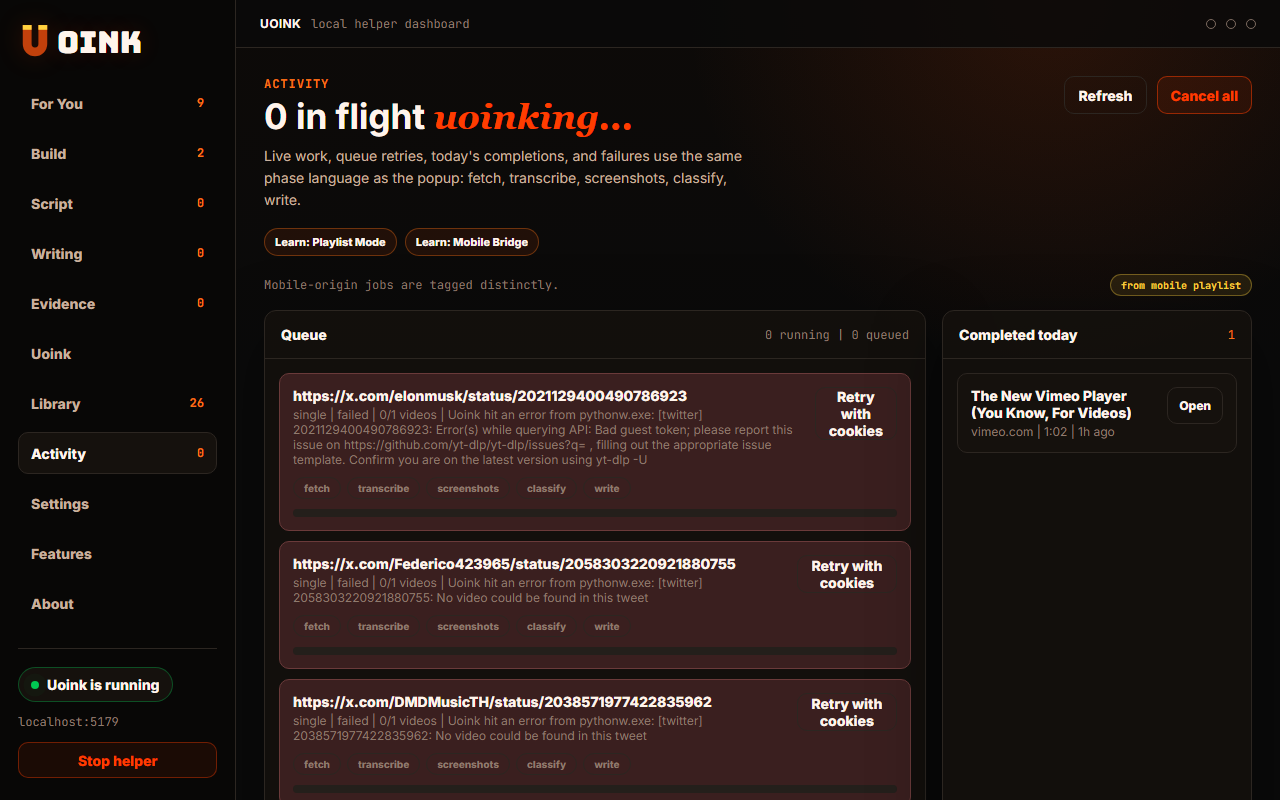
The user-facing part.
Capture videos from your phone. Create a YouTube playlist named "uoink me", save videos there while you browse on mobile, and the desktop helper polls the list when you return to your computer. It extracts every new video, groups them by topic, and adds them to your local index. Your mobile queue becomes a structured library automatically.
Run the loop.
- Create a public or unlisted YouTube playlist named "uoink me".
- Open the desktop settings panel in Uoink.
- Paste the playlist URL into the mobile bridge field.
- Save videos to "uoink me" when browsing on your phone.
- The desktop helper scans the list on boot and downloads the new entries.
How Uoink handles it.
The local helper schedules a background job that queries the YouTube playlist API at regular intervals. It compares the playlist items against the local SQLite database to identify new URLs. When it detects a new video, it queues the URL for background extraction. The helper downloads the audio streams, runs transcription, and writes the markdown files to your corpus folder.
Agent-readable surface.
uoink_playlistget_job_statusFull server metadata lives at /mcp and /mcp/manifest.json.
Run it on your next source.
Create the "uoink me" playlist, connect it once, and let your desktop library catch up.