Features / Capture
shippedPlaylist queue extraction
Batch extract up to 10 YouTube videos at once with partial-failure tolerance.
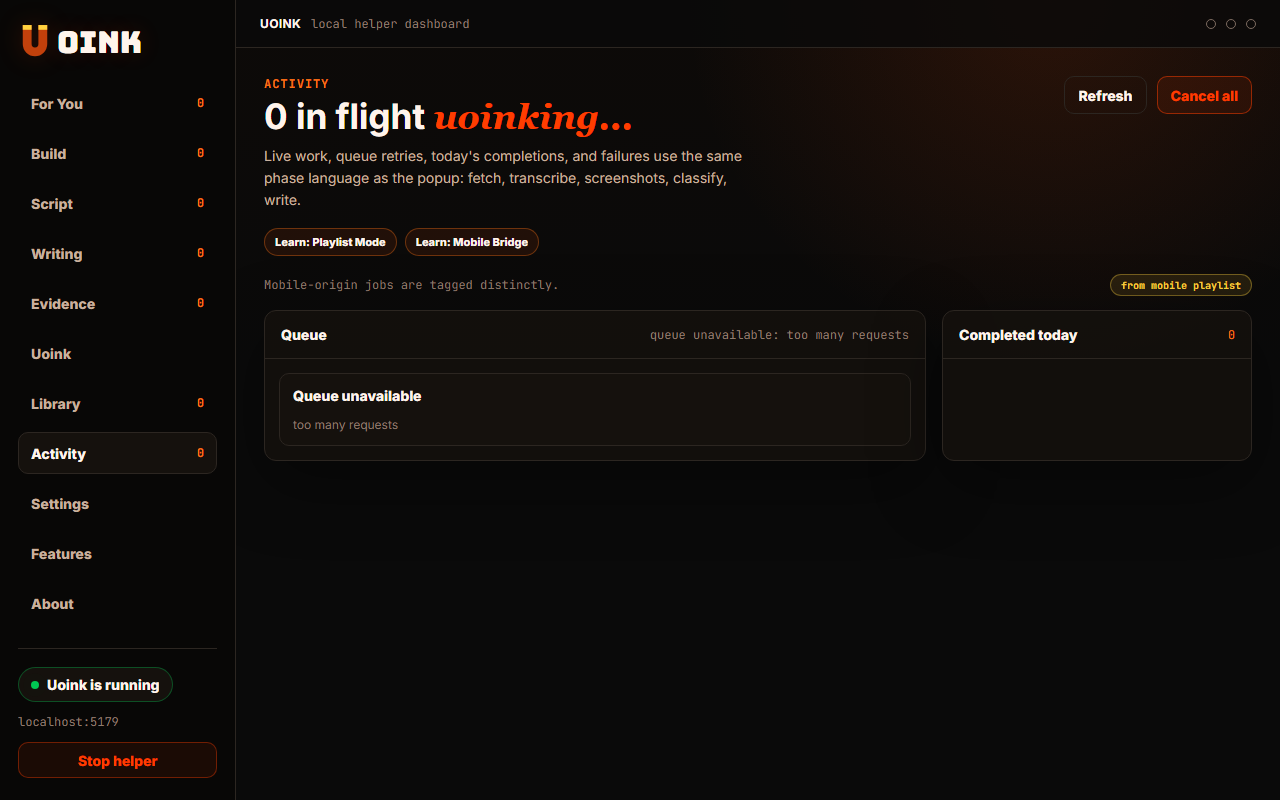
The user-facing part.
Batch capture video series without manual repetition. Playlist mode lets you queue up to ten video URLs at a time. The local helper processes the queue in the background, transcribing audio and extracting frames sequentially. If one video fails due to a network error, the helper skips it and continues the queue so your batch job finishes.
Run the loop.
- Open a YouTube playlist page.
- Click the Uoink extension icon to open the popup.
- Select the Playlist tab.
- Paste the playlist URL or check the auto-detected link.
- Click Uoink Playlist to start the batch download.
How Uoink handles it.
The extension sends the playlist URL to the queue manager endpoint in the helper. The helper resolves the playlist into individual video URLs. It stores these in a SQLite queue table and processes them one by one. The helper uses isolated threads for each extraction task, ensuring that a crash in yt-dlp warns without blocking subsequent videos.
Agent-readable surface.
uoink_playlistcancel_jobget_job_statusFull server metadata lives at /mcp and /mcp/manifest.json.
Run it on your next source.
Queue up a playlist to capture a structured course or video sequence automatically.