Study the source. Ship in your voice.
Uoink keeps the videos, podcasts, and articles you study on disk, then gives Writing Studio source material it can cite and shape into posts.
Hooks / screenshots / comments / Voice DNA / creator credit
Turn research into output without flattening the source.
- 01capture
Grab the thing you are studying.
Uoink a video, podcast, article, or thread and keep the original source link intact.
- 02read
Search the corpus like notes.
Find hooks, claims, screenshots, comments, people, products, and phrases across your saved library.
- 03write
Draft from the source card.
Writing Studio pulls the saved material, shows canned-phrase warnings, and keeps citations close.
- 04publish
Carry creator credit forward.
Threads and blogs keep the source line visible so the original creator gets credit.
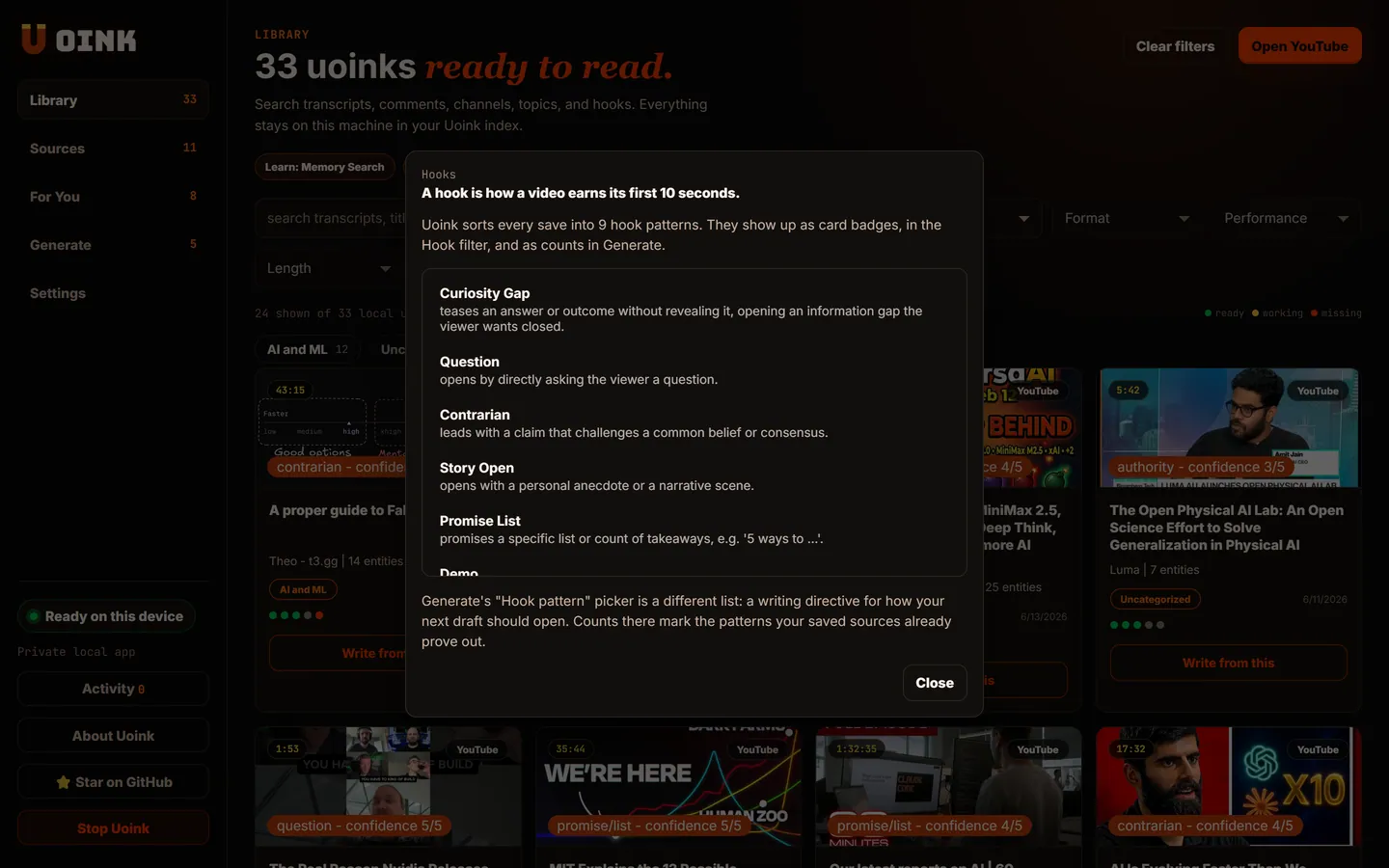
Ask questions that start from evidence.
These are the questions Uoink makes cheap because the transcript, screenshots, comments, and metadata already sit in one file.
- 01
What hook type opens this video, and what proof shows the audience noticed?
- 02
What claims should I verify before I repeat this idea?
- 03
What pacing beats should I borrow for my next script?
- 04
Which comments reveal objections I should answer?
- 05
What source line should become the first tweet?
- 06
What screenshot belongs with the main point?
Draft the thread with source credit baked in.
Uoink is built for creators who study other creators. The draft can move to X, a blog, or your editor, but the source link and creator handle stay close by default.
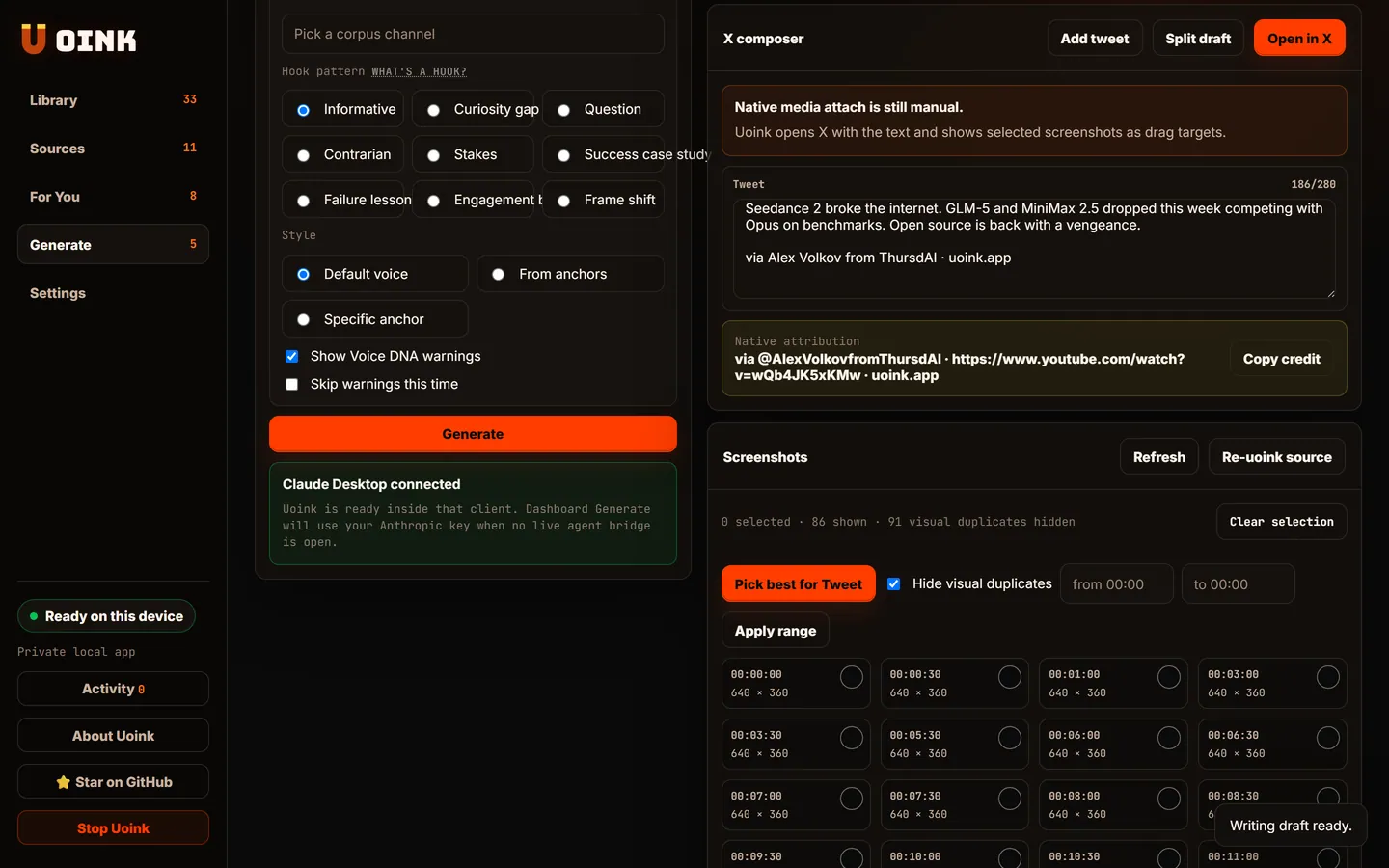
I am studying a competitor channel. Where does that research go?
Onto your disk. Uoink has no hosted corpus or account. Source requests and model dependencies still use the network; AI features and connected clients can share content.
Install Uoink, capture one source, then open Writing Studio with that source selected.
Creators and developers use the same source card.
The card stays the shared object. The next move changes by job.