Features / Workspace
in flightCorpus analysis critique
Run structured critiques on your draft against a local video and article corpus.
 in flight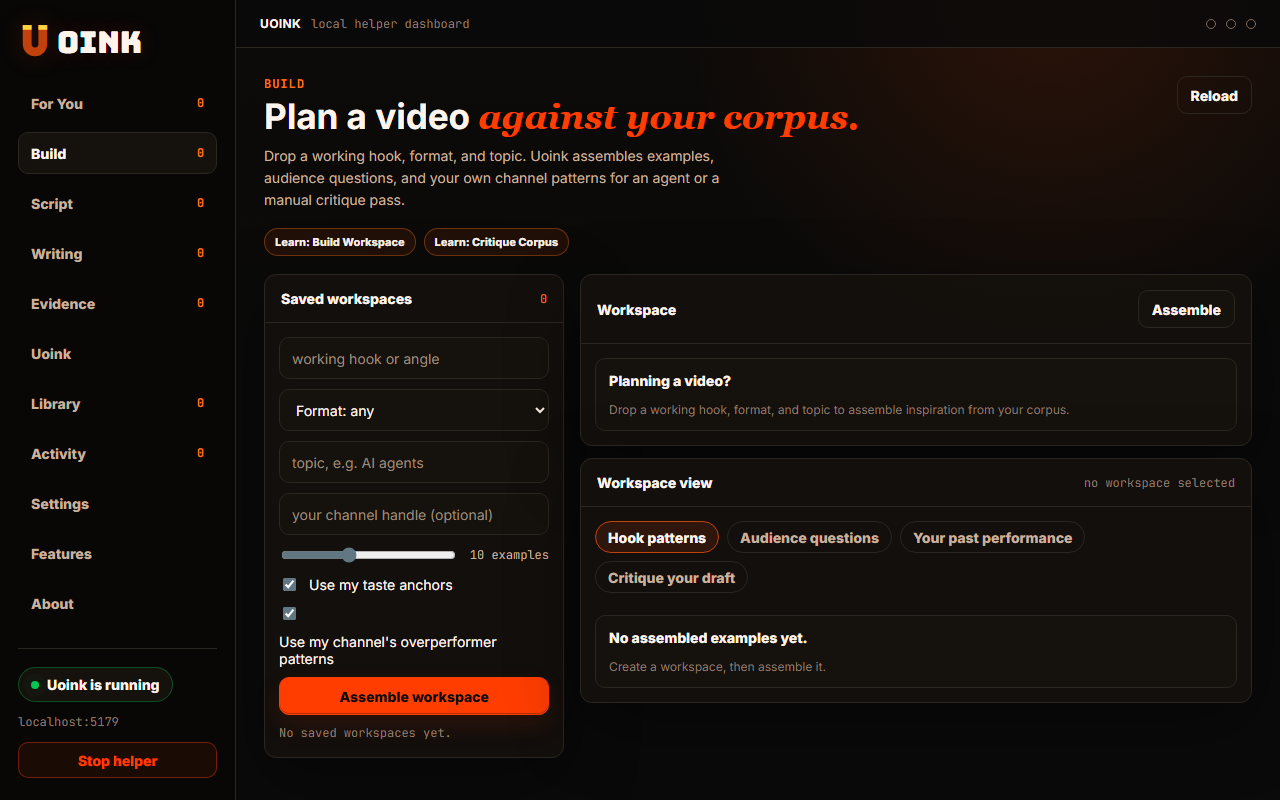
The user-facing part.
Evaluate your script drafts against your research corpus. You load a draft and compare it against your saved video transcripts. The helper checks your text for factual discrepancies and identifies where you missed key source details. This helps you maintain accuracy and strong evidence before you publish your work.
Run the loop.
- Navigate to the Critique tab in the dashboard.
- Paste your draft text into the editor.
- Select the reference corpus files from the list.
- Click Analyze Draft to run the critique.
- Review the highlighted corrections and source links.
How Uoink handles it.
The helper uses your API key to send the draft and selected reference corpus files to the model. It directs the model to perform a factual comparison and return structured annotations. The helper parses the response, highlights discrepancies in the UI, and maps comments back to specific timestamps in the source file.
Agent-readable surface.
critique_corpusget_citation_mapFull server metadata lives at /mcp and /mcp/manifest.json.
Run it on your next source.
Compare your draft against your corpus to verify your facts before publishing.