Features / Verification
in flightEvidence and citation panel
View supporting evidence and source citations for claims in your corpus.
 in flight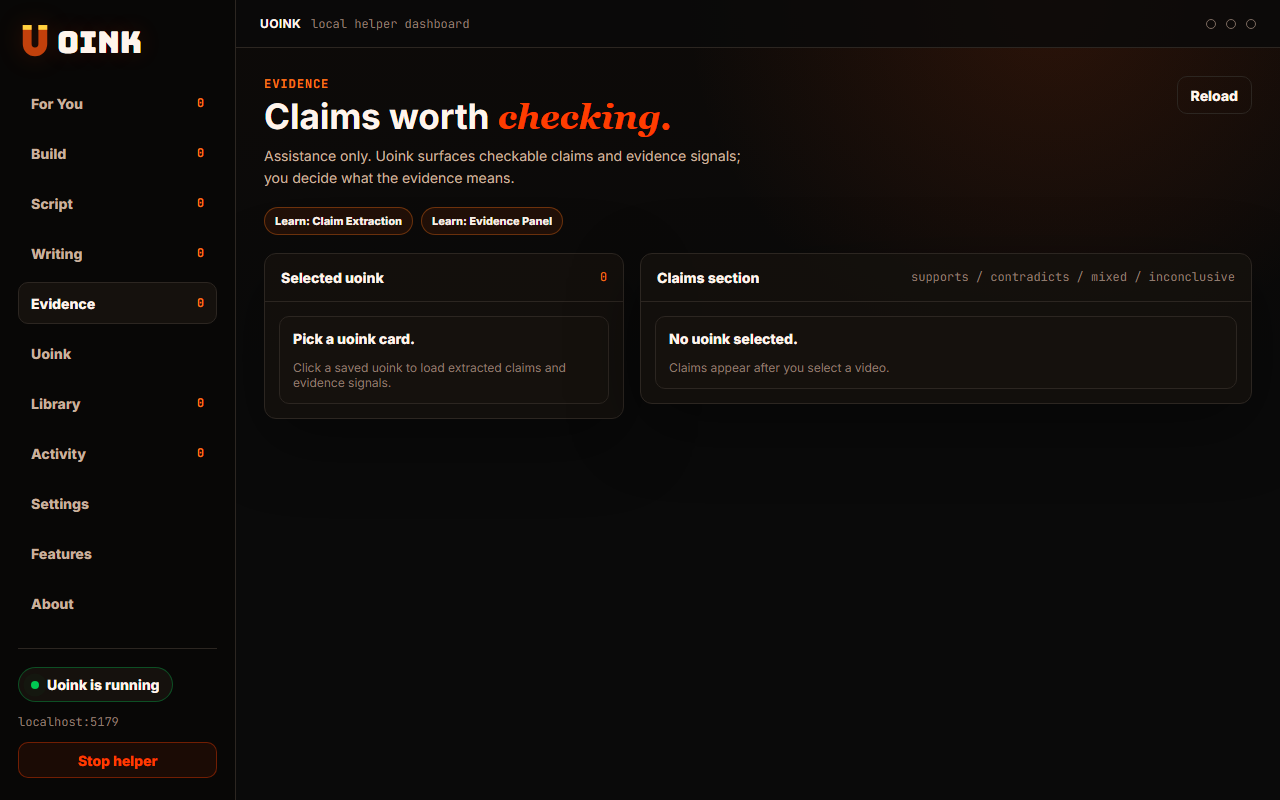
The user-facing part.
Trace claims back to their source material. The evidence panel displays the transcripts, comments, and screenshot frames that back up each claim. It helps you verify assertions by linking them to specific timestamps and media files. This keeps your research grounded, making it easy to cite original sources.
Run the loop.
- Open the Evidence panel in your workspace.
- Select a claim from the project list.
- View the supporting transcript segments and screenshots.
- Click the link to open the source video at that moment.
- Export the citation to your notes or editor.
How Uoink handles it.
The helper uses the SQLite database to query matches between claims and source transcript segments. It maps the results to media timestamps and writes the output as citation anchors. The dashboard reads these anchors to display the source context and media frames, ensuring that references remain verifiable.
Agent-readable surface.
get_citation_mapget_uoink_corpusFull server metadata lives at /mcp and /mcp/manifest.json.
Run it on your next source.
Use the evidence panel to review the references supporting your notes.