Features / Library
shippedFacet and tag organization
Organize your video corpus using automatically generated topic folders, hook types, and creator tags.
 shipped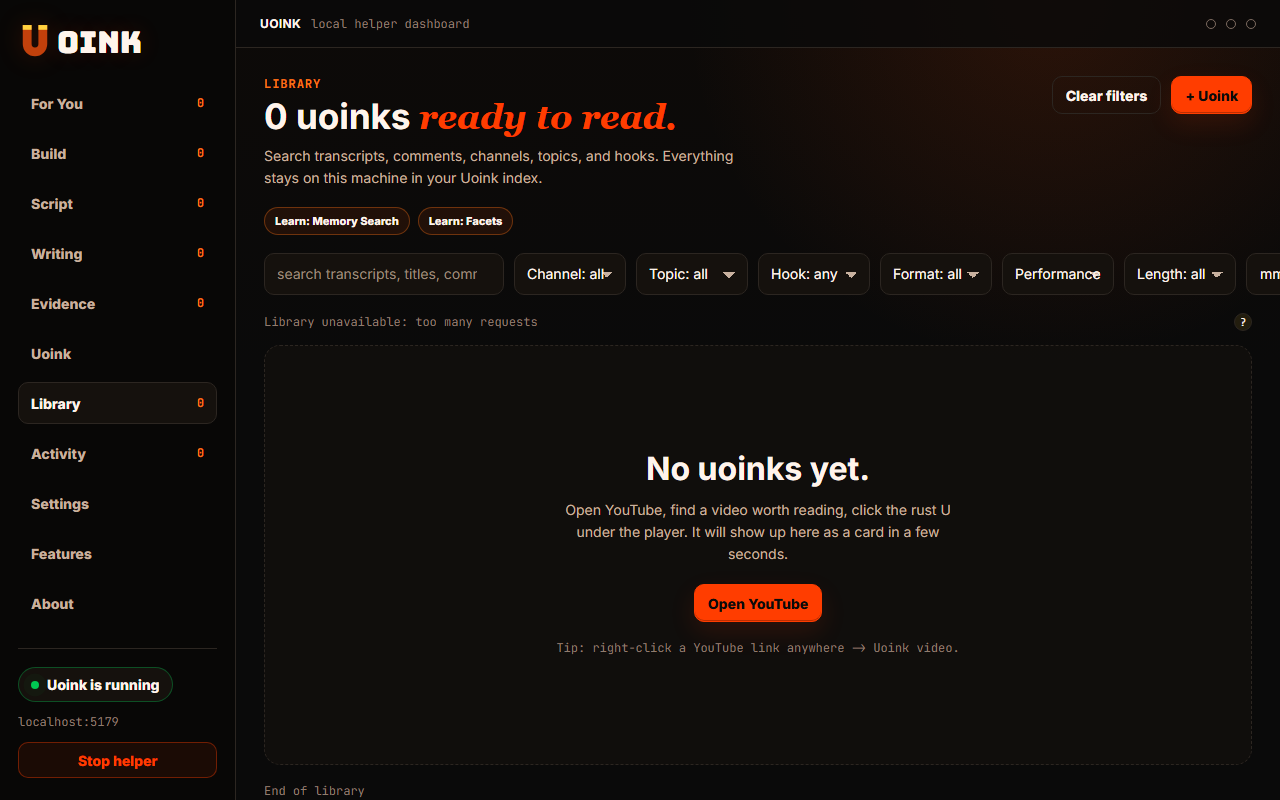
The user-facing part.
Sort your captures without manual organization. The helper categorizes your markdown files using keyword rules and metadata attributes. It groups your corpus by channel name, duration, and hook type so you can filter your library in the dashboard. You can customize these sorting rules in your settings to match your folder preferences.
Run the loop.
- Open the Uoink dashboard and navigate to Settings.
- Define keyword triggers for your target categories.
- Capture a new video.
- Check the dashboard Library tab to see the facet filters.
- Select a channel or hook type facet to filter your card grid.
How Uoink handles it.
When writing a corpus, the helper runs the metadata through a routing engine. It matches titles and descriptions against the keyword list in your settings. The helper writes the markdown file to the matching directory path. It also writes the tags and attributes to the local SQLite database to populate the sidebar filters in the dashboard UI.
Agent-readable surface.
search_uoinksFull server metadata lives at /mcp and /mcp/manifest.json.
Run it on your next source.
Configure your topic folders to keep your research library organized.