Features / Library
shippedLocal SQLite FTS5 search
Search transcripts, comments, and metadata instantly using local SQLite full-text search.
 shipped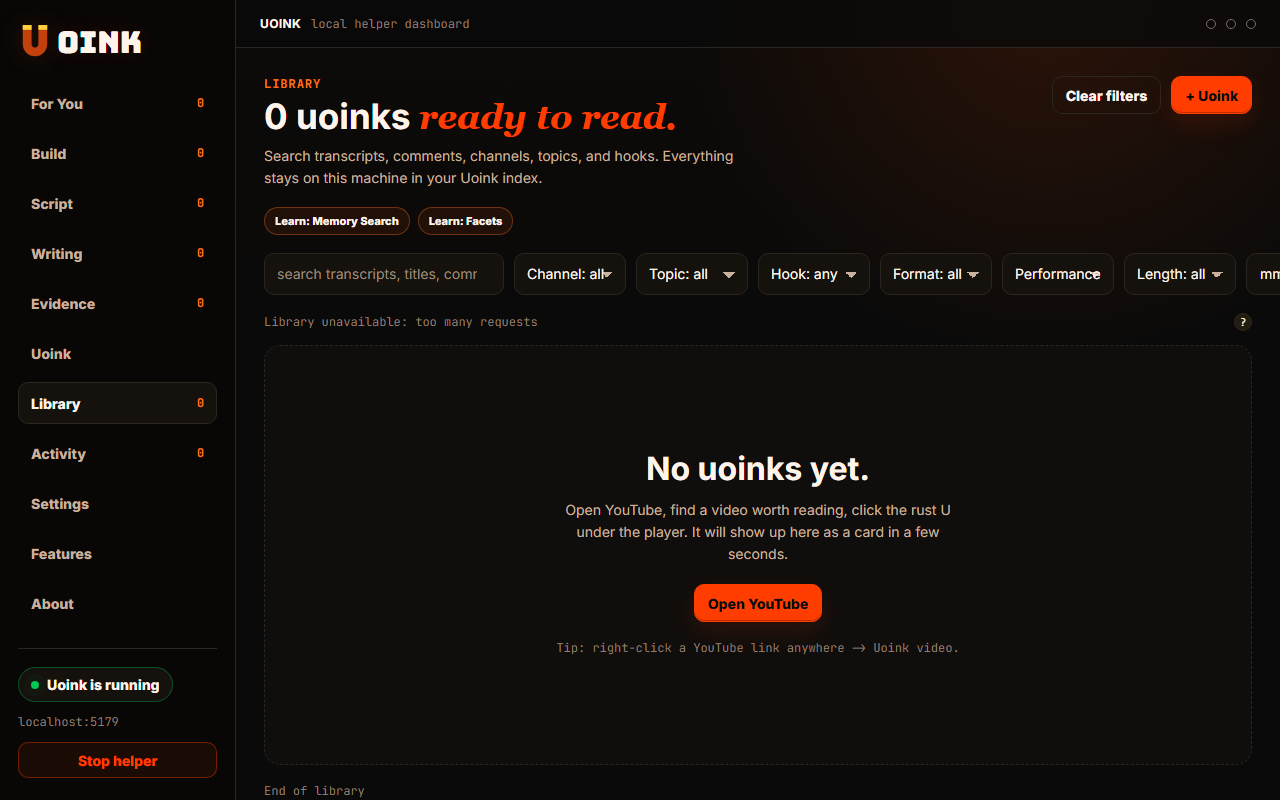
The user-facing part.
Search your entire corpus in milliseconds. The helper indexes every transcript, comment cluster, and metadata block in a local SQLite FTS5 database. You can run keyword, speaker, channel, or hook queries from your dashboard. Your search queries and index files stay on your machine because the database runs entirely on your local drive.
Run the loop.
- Open the Uoink desktop dashboard.
- Click the search bar at the top of the interface.
- Type your search query, such as a topic, speaker name, or tool.
- View the matching corpus cards with highlighted search snippets.
- Click any card to open the markdown file.
How Uoink handles it.
The helper uses the SQLite FTS5 extension to build a virtual table of all text content. When a new video is captured, the helper parses the markdown file and inserts the text blocks into the search index. The dashboard queries this index via a local HTTP endpoint, returning results and text match positions without internet access.
Agent-readable surface.
search_uoinksget_uoink_corpusFull server metadata lives at /mcp and /mcp/manifest.json.
Run it on your next source.
Search across your entire captured library instantly without cloud latency.