Features / Identity
shippedNo cloud database
Keep your video corpus and research private with no cloud databases or remote servers.
 shipped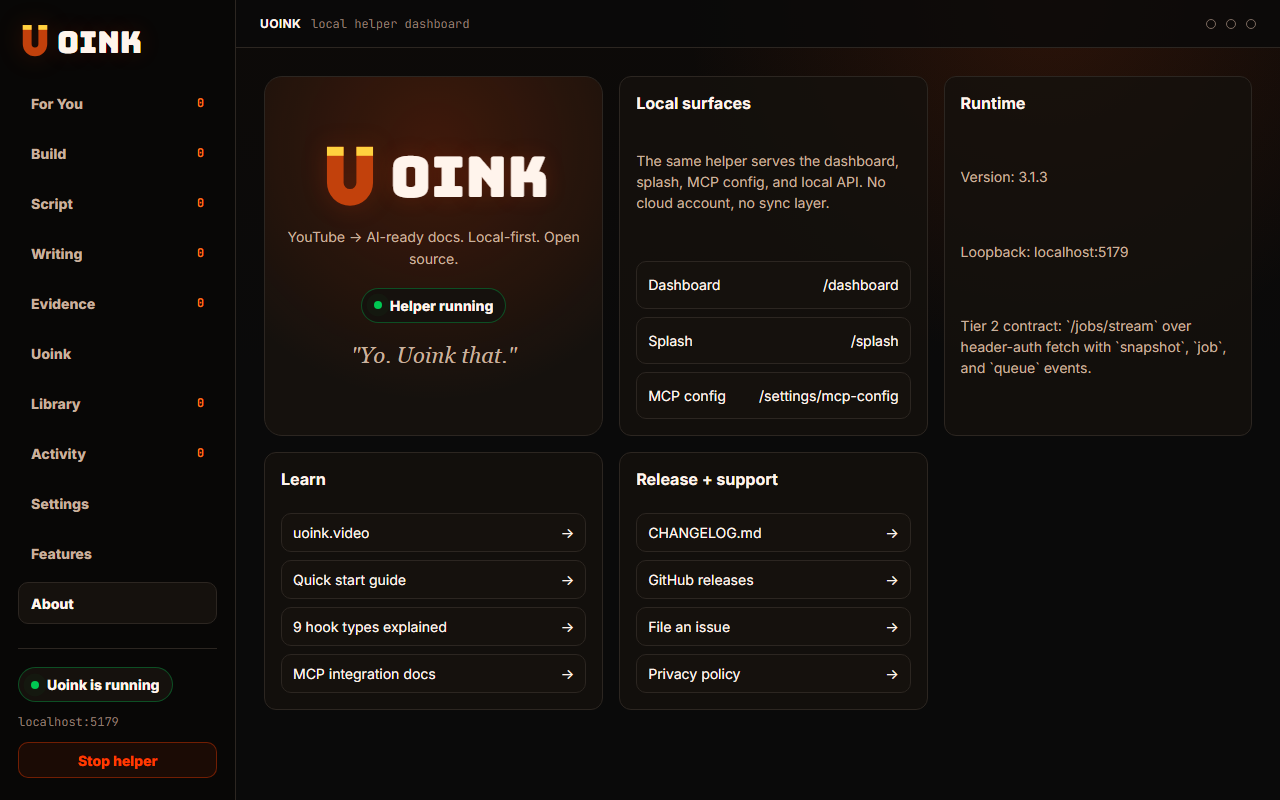
The user-facing part.
No Uoink cloud database. The helper runs entirely on your local machine, keeping your captured transcripts and files offline. There is no account sign-up, no server database, and no usage tracking. If our website is breached, your research database is safe because we avoid collect your files.
Run the loop.
- Download the helper without creating an account.
- Open the dashboard to see your local files.
- Check your network settings to verify loopback connections.
- Turn off your internet connection.
- Run a search across your library to test the offline index.
How Uoink handles it.
The helper binds to port 5179 on the loopback interface, meaning it only accepts requests from your own machine. It stores all indexed text in a local SQLite database file. Since there is no cloud database or syncing mechanism, your data remains offline and under your direct control.
Agent-readable surface.
get_uoink_healthFull server metadata lives at /mcp and /mcp/manifest.json.
Run it on your next source.
Store your transcripts and search databases offline without cloud accounts.