Features / Capture
shippedYouTube Shorts transcription
Capture and classify YouTube Shorts to analyze fast-paced video hooks.
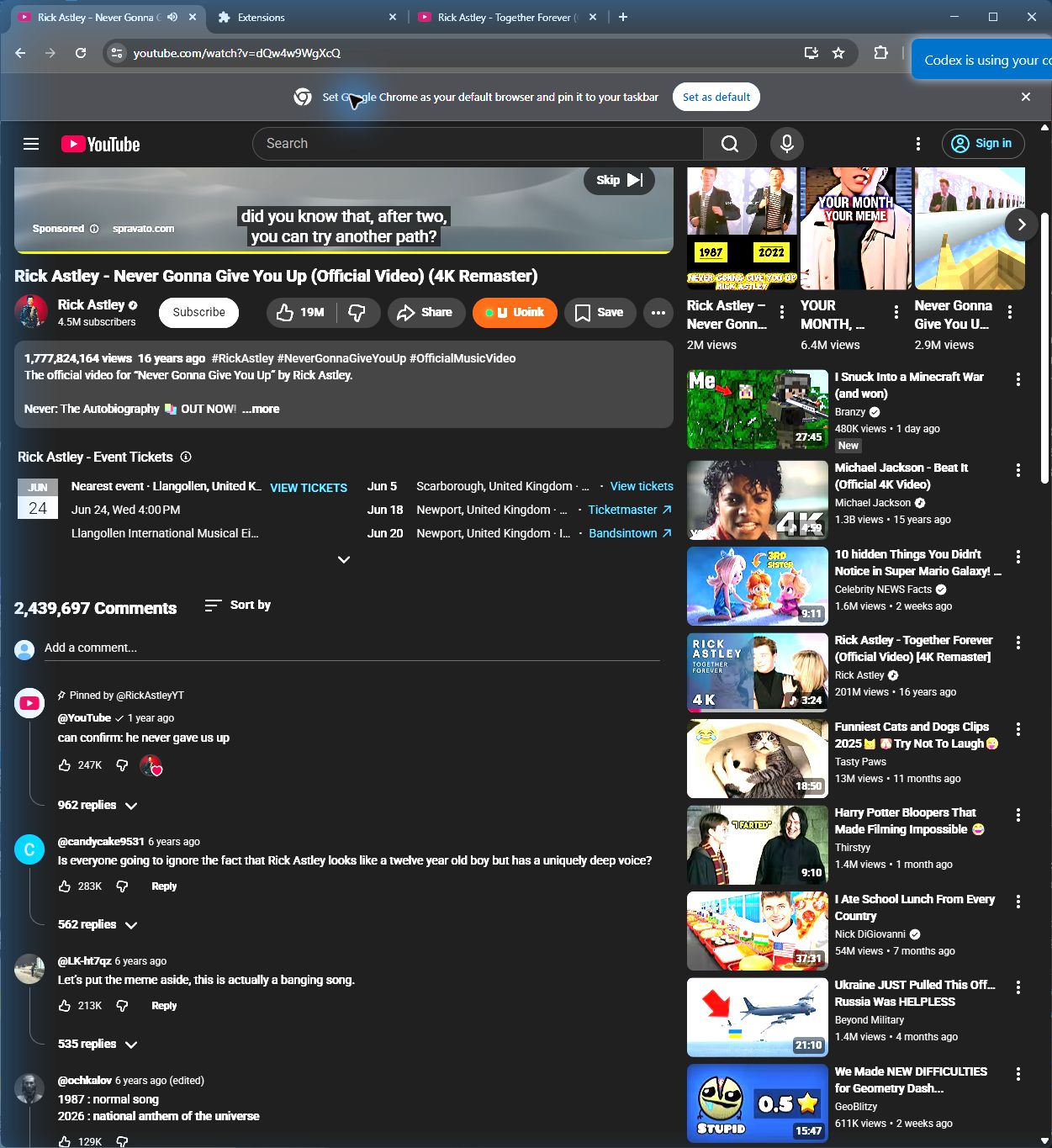
The user-facing part.
Extract transcripts and analyze hooks from YouTube Shorts. The extension adds a capture button onto the Shorts player interface. When clicked, the helper downloads the short audio track, runs transcription, and classifies the opening hook. It packages the text, metadata, and classification type into a compact markdown file that you can use to study creator hooks.
Run the loop.
- Open YouTube Shorts in your browser.
- Find the rust-colored U button overlaid on the right control bar.
- Click the button to start the capture.
- Open the Uoink dashboard to see the hook classification.
- Paste the markdown file into Claude to study the script structure.
How Uoink handles it.
The content script matches the YouTube Shorts container and overlays the button next to the native share icons. Clicking it posts the video URL to the local helper API. The helper extracts the media, transcribes the brief audio stream, and passes the first ten seconds of text to the hook classifier. The resulting markdown file is saved to your library.
Agent-readable surface.
uoink_videosearch_uoinksFull server metadata lives at /mcp and /mcp/manifest.json.
Run it on your next source.
Capture and analyze YouTube Shorts to learn how creators hook their audience.