Features / Verification
in flightClaim extraction tool
Extract factual claims from transcripts to audit evidence and source references.
 in flight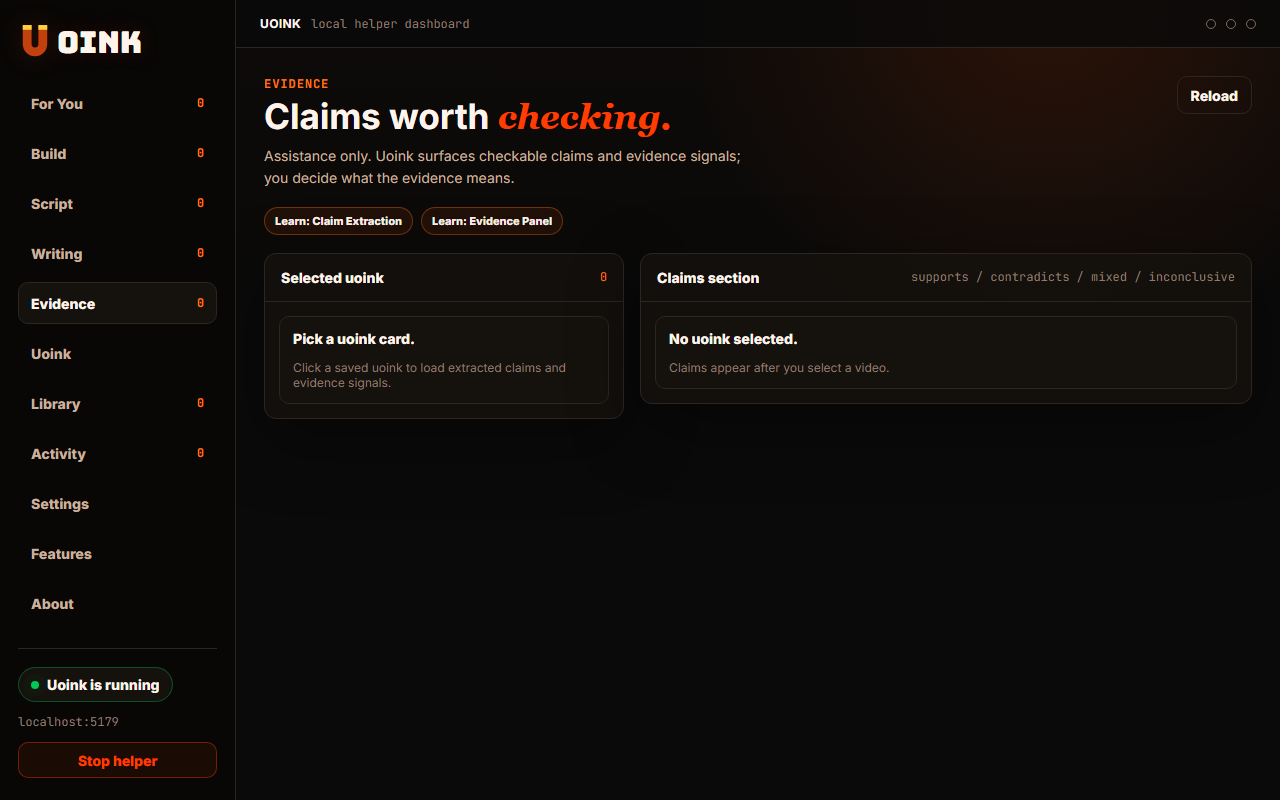
The user-facing part.
Extract factual claims from transcripts automatically. The helper scans the video text to isolate assertions, figures, and research references. It lists these claims with timestamp links, making it easy to verify statement accuracy. This helps researchers audit content without reading the entire transcript manually.
Run the loop.
- Open a video in the Uoink dashboard.
- Navigate to the Claims tab.
- Click Extract Claims to analyze the transcript.
- Review the list of isolated assertions and metrics.
- Click any claim timestamp to play the video segment.
How Uoink handles it.
The helper uses the API key to send the transcript to the model. It instructs the model to extract and categorize claims into a structured list. The helper parses this output, maps each claim back to its segment offset, and writes the results to the markdown file header, ensuring the facts remain linked.
Agent-readable surface.
extract_claimsget_citation_mapFull server metadata lives at /mcp and /mcp/manifest.json.
Run it on your next source.
Extract claims from your video library to verify source facts.