Features / Library
plannedEngagement memory
Track which videos you reference most to build a durable local knowledge base.
 planned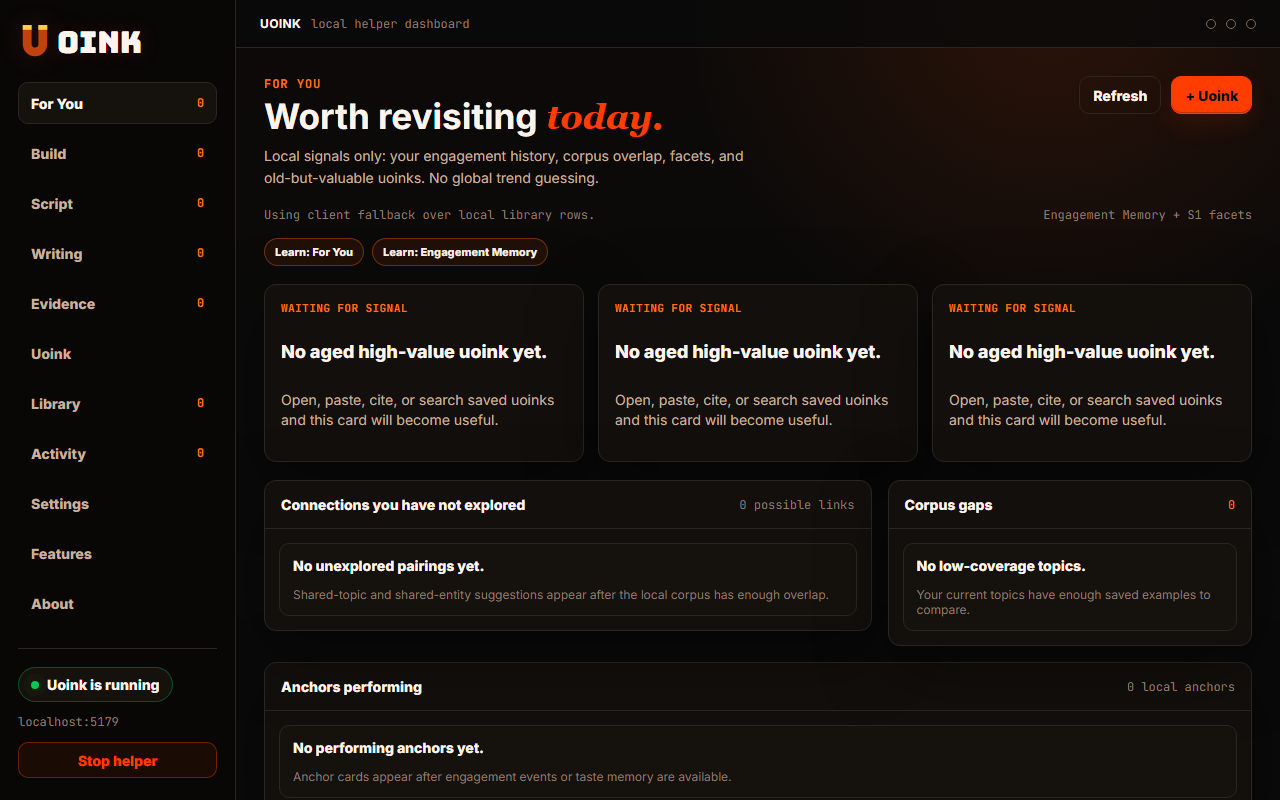
The user-facing part.
Keep track of the research that you use. Uoink monitors when you copy a transcript, export a citation, or search for specific video files. It updates the database to rank your captures by utility. The helper uses these engagement signals to improve your local search results and highlight your most valuable research assets.
Run the loop.
- Use Uoink to copy transcripts and cite videos.
- Open the dashboard Activity tab to view your engagement log.
- Sort your library by Most referenced in the dashboard.
- View the videos that have driven your writing.
- Configure retention rules for tracking logs in settings.
How Uoink handles it.
The desktop helper logs actions like clipboard copy events, citation exports, and search clicks into the SQLite database. It calculates a utility score for each video using a decay algorithm. This score influences local search ranking and resurfacing recommendations. Your activity data is stored in the local index file, maintaining privacy.
Agent-readable surface.
analyze_commentsfind_mentionsFull server metadata lives at /mcp and /mcp/manifest.json.
Run it on your next source.
Let your research habits organize your most referenced video captures.